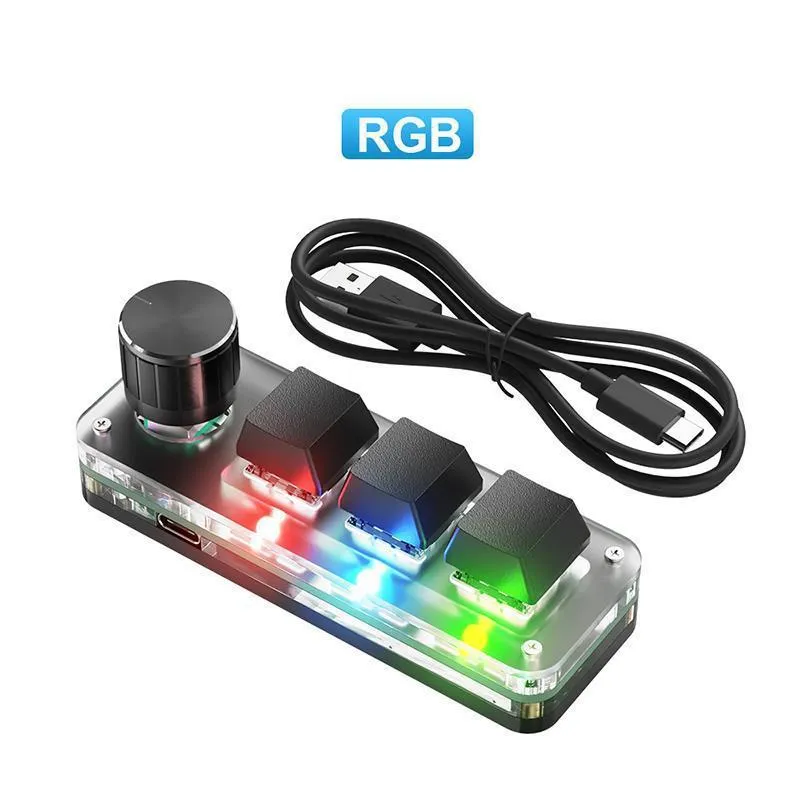
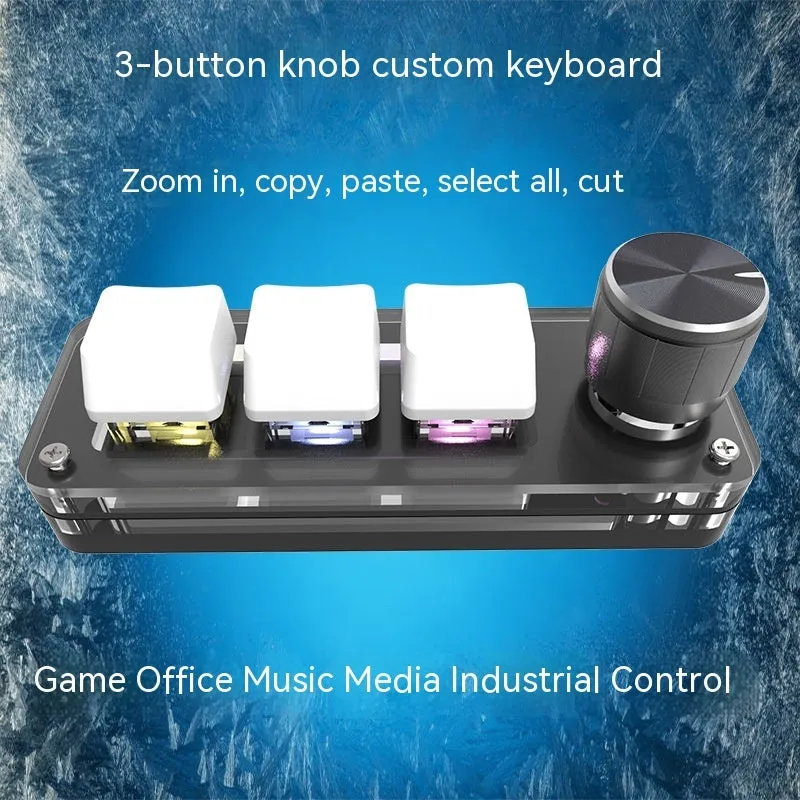
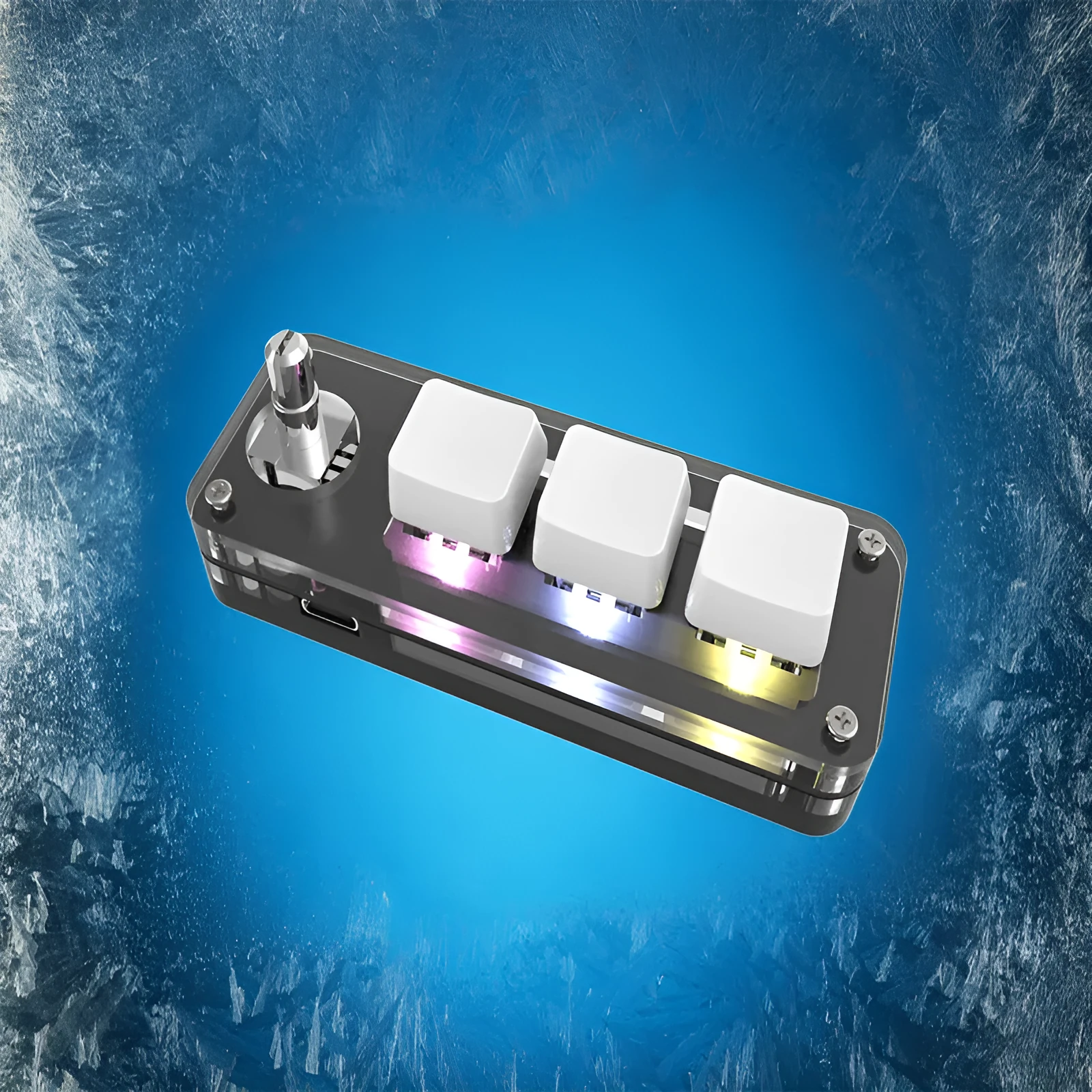
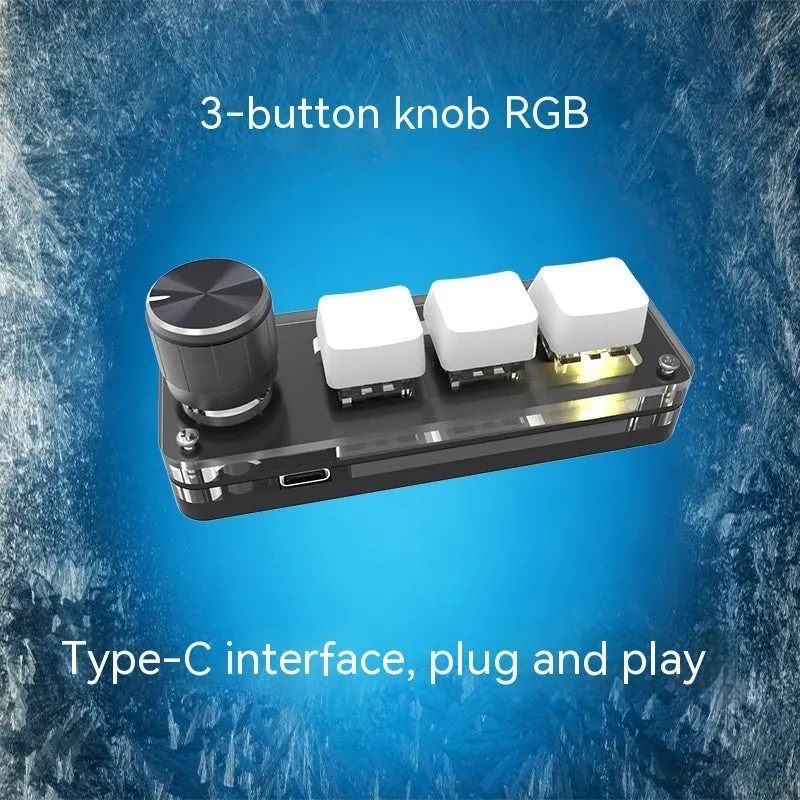
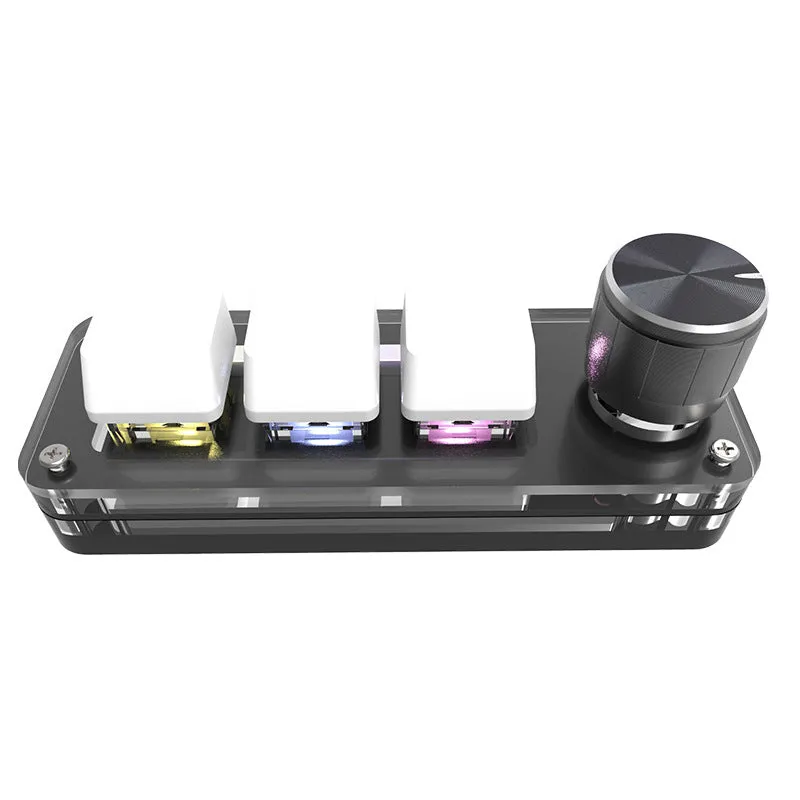
Custom keypad with RGB colourful backlight and copy paste macro functions mini keyboard in black or white colour options, USB-connected mechanical-style keyboard measuring 15cm x 10cm x 4cm for streamlined desktop workflow


Custom keypad with RGB colourful backlight and copy paste macro functions mini keyboard in black or white colour options, USB-connected mechanical-style keyboard measuring 15cm x 10cm x 4cm for streamlined desktop workflow
Custom RGB Macro Keypad with Dedicated Copy and Paste Functions
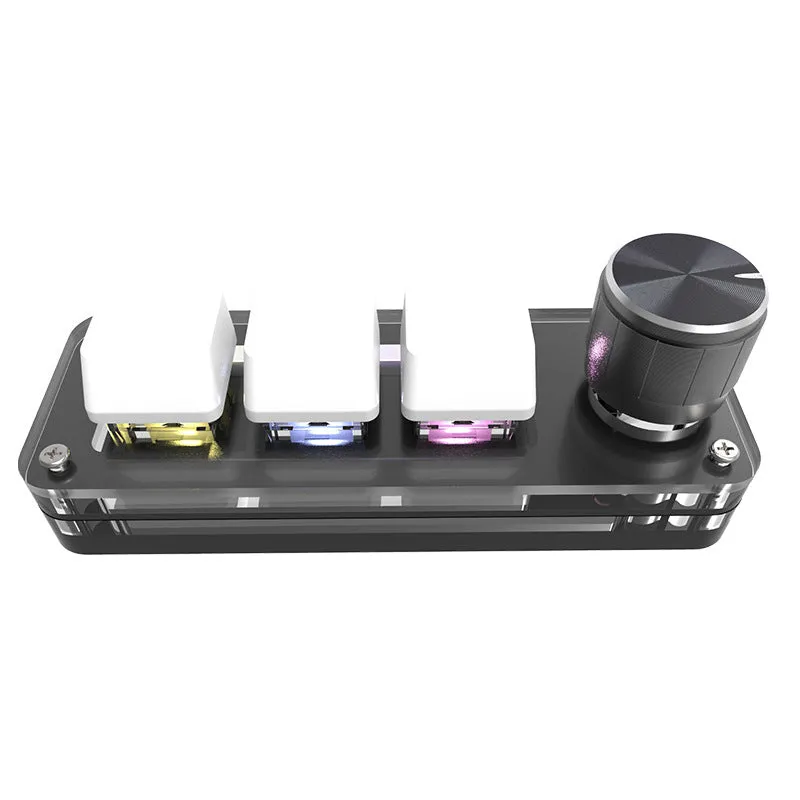
This compact custom keypad addresses a specific productivity challenge: the time lost switching between keyboard shortcuts and mouse actions during editing work. By providing dedicated macro buttons for copy and paste operations, it reduces repetitive hand movements that can slow down document editing, coding, or content creation. Measuring just 15cm x 10cm x 4cm, the keypad fits neatly alongside your main keyboard without consuming excessive desktop space. Available in black or white colour options, it offers visual coordination with different workstation setups while the RGB backlight provides both functional visibility and personalisation options.
Features and Construction
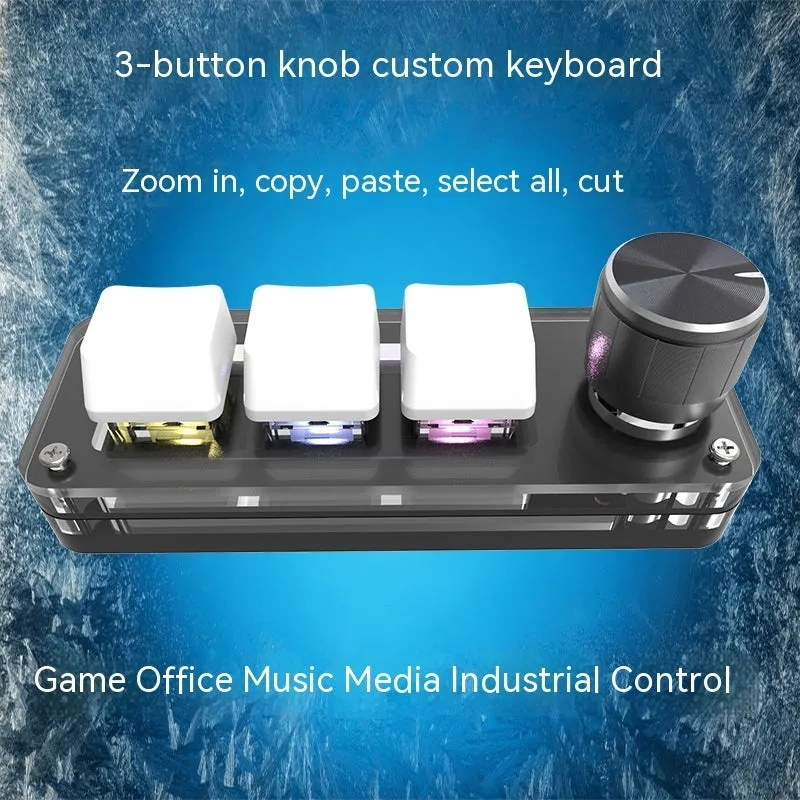
The keypad combines specific macro functionality with practical design elements suited for desktop use. Its construction focuses on providing reliable operation for common editing tasks while maintaining a compact footprint appropriate for various workspace configurations.
Material and Build
Constructed from ABS plastic, this keypad provides a rigid housing that protects the internal components during regular use. The material choice offers durability for desktop environments while keeping the overall weight manageable. The surface finish of the ABS plastic resists fingerprints and maintains its appearance with basic cleaning, requiring only occasional wiping with a dry, soft cloth to remove dust or smudges.
Size and Practical Fit
With dimensions of 15cm x 10cm x 4cm, the keypad occupies minimal desk space while remaining large enough to accommodate its dedicated macro buttons comfortably. This compact size allows placement immediately adjacent to your main keyboard or mouse pad, keeping essential editing functions within immediate reach. The 4cm height provides sufficient internal space for the RGB lighting components while maintaining a low profile that won't interfere with typing on your primary keyboard.
Uses and Placement
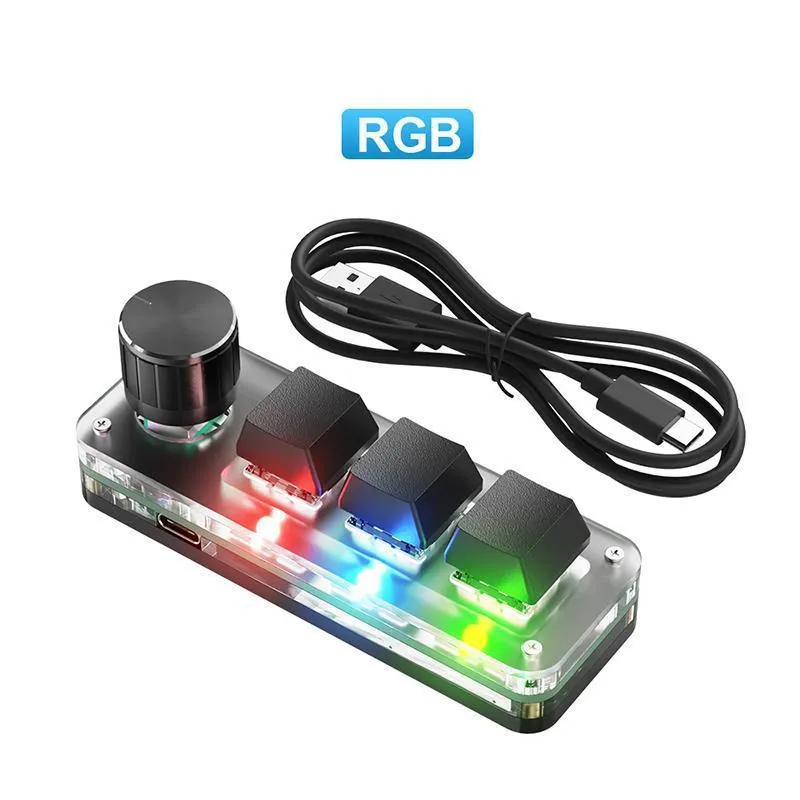
The keypad serves specific functions that enhance workflow efficiency across different computing scenarios. Its dedicated macro buttons target common operations that benefit from single-button activation rather than keyboard combinations.
Event or Professional Use
For professional editors, writers, or content creators, the dedicated copy and paste functions streamline repetitive editing tasks. Instead of using Ctrl+C and Ctrl+V keyboard shortcuts that require both hands or involve awkward hand positioning, a single button press executes these common commands. This reduces hand strain during extended editing sessions and maintains workflow momentum when working with large documents or multiple files. The USB connection ensures compatibility with standard office computers without requiring additional software installation in most cases.
Everyday Home Use
For general computer users, the keypad offers similar efficiency benefits for everyday tasks like copying web addresses, transferring text between documents, or organising files. The RGB backlight provides functional illumination for low-light environments while allowing colour customisation to match room decor or personal preference. The compact size makes it suitable for home offices or study areas with limited desk space, and the plug-and-play USB connectivity means it works immediately with most home computers without technical setup.
Benefits and Buying Value
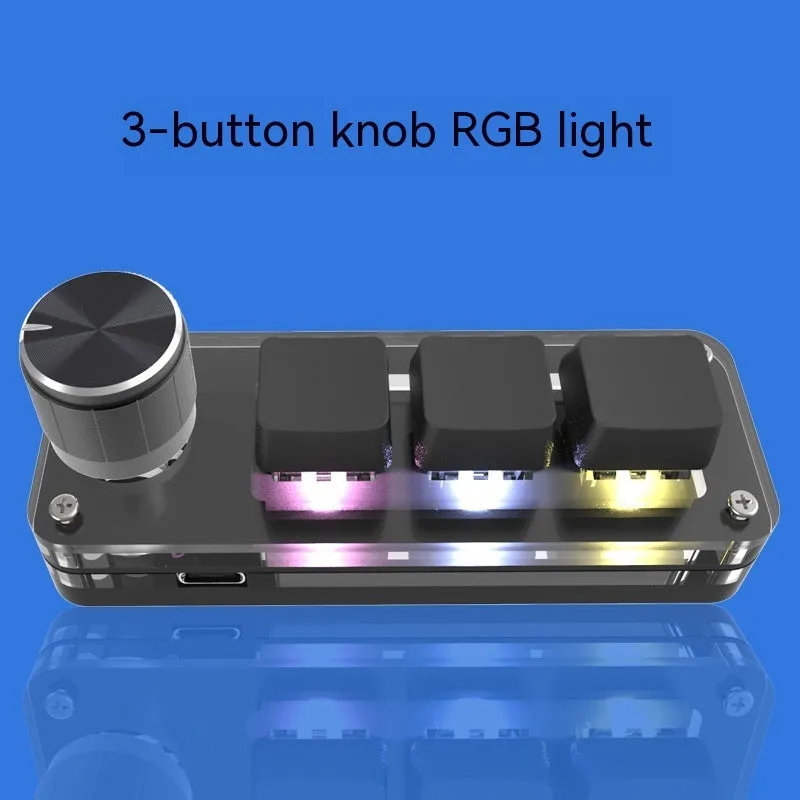
This product provides specific advantages through its focused functionality and practical design choices. The value emerges from addressing particular workflow inefficiencies rather than attempting to replace comprehensive keyboard functionality.
Reuse and Low Maintenance
The ABS plastic construction and simple USB interface contribute to straightforward maintenance and potential for extended use. Without complex mechanical components or specialised cleaning requirements, the keypad requires only basic care to maintain its appearance and functionality. The solid-state construction reduces points of potential failure compared to products with moving mechanical parts beyond the keys themselves.
Why Choose This Product
This keypad stands out for users who perform frequent copy and paste operations and want dedicated physical buttons for these functions. The combination of specific macro functionality with customisable RGB lighting addresses both practical workflow needs and personal preference for workspace customisation. The compact 15cm design ensures it fits comfortably within existing desktop arrangements without requiring workstation redesign, while the black and white colour options provide straightforward coordination with different computer setups.