Attack Shark K75RGB Wireless Mechanical Keyboard, Bluetooth 5.1 and 2.4GHz Gasket Mount Hot-Swap PC Transparent Case with RGB Backlight and Two-Pin Switch, Includes Dust Cover for 75% Compact Layout


Attack Shark K75RGB Wireless Mechanical Keyboard, Bluetooth 5.1 and 2.4GHz Gasket Mount Hot-Swap PC Transparent Case with RGB Backlight and Two-Pin Switch, Includes Dust Cover for 75% Compact Layout
Attack Shark K75RGB: Compact Wireless Mechanical Keyboard with Hot-Swap Switches and RGB
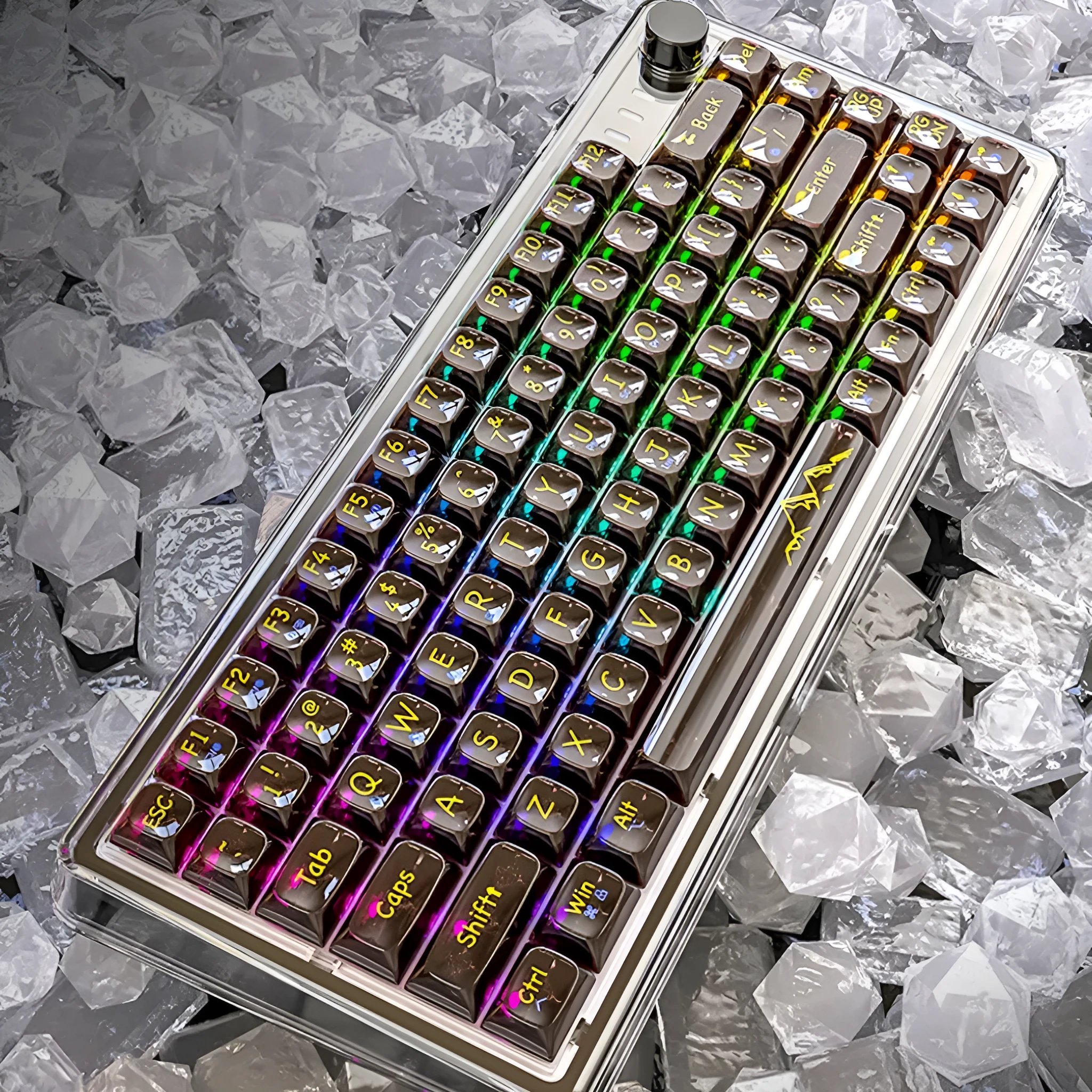
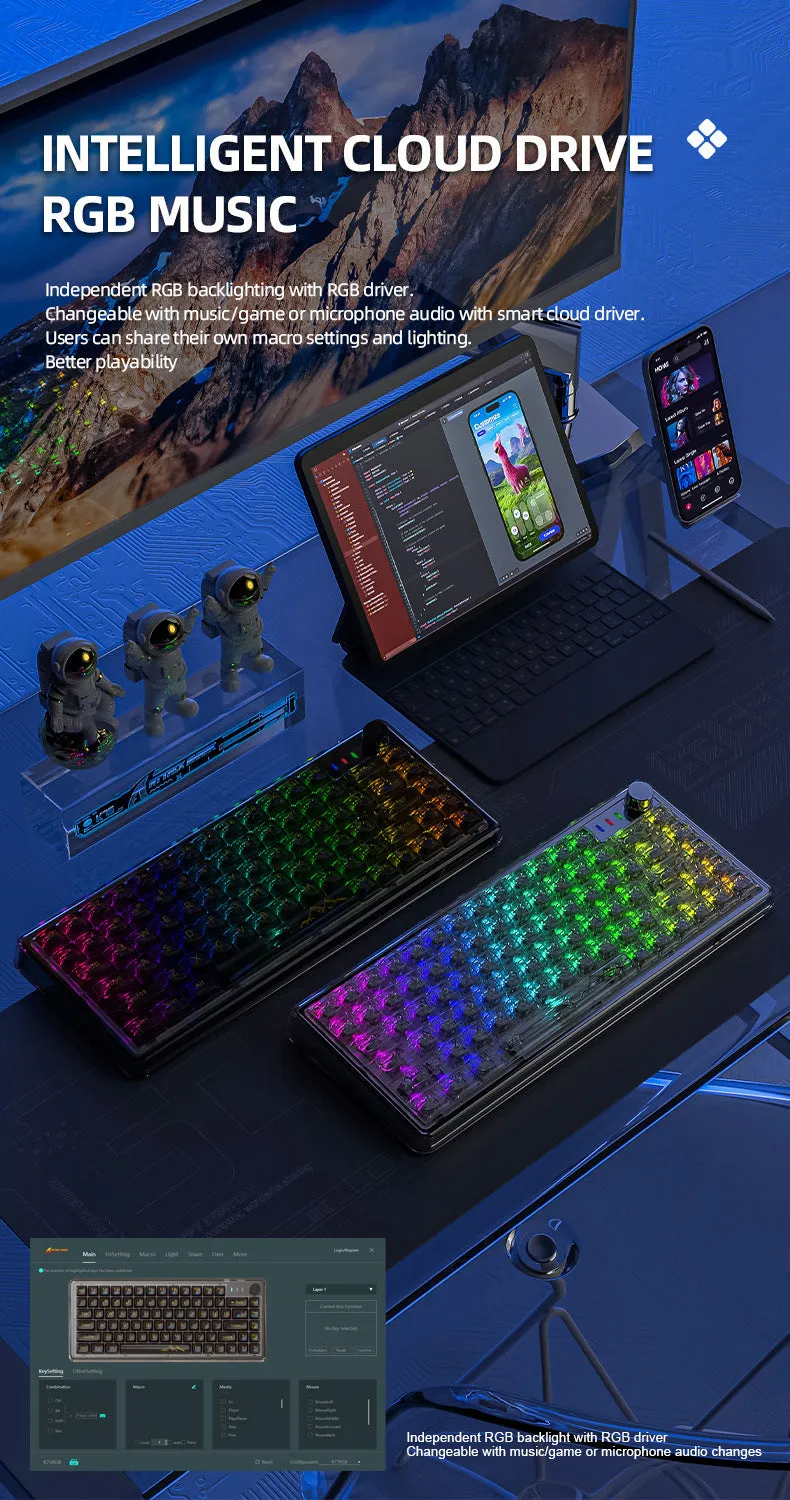
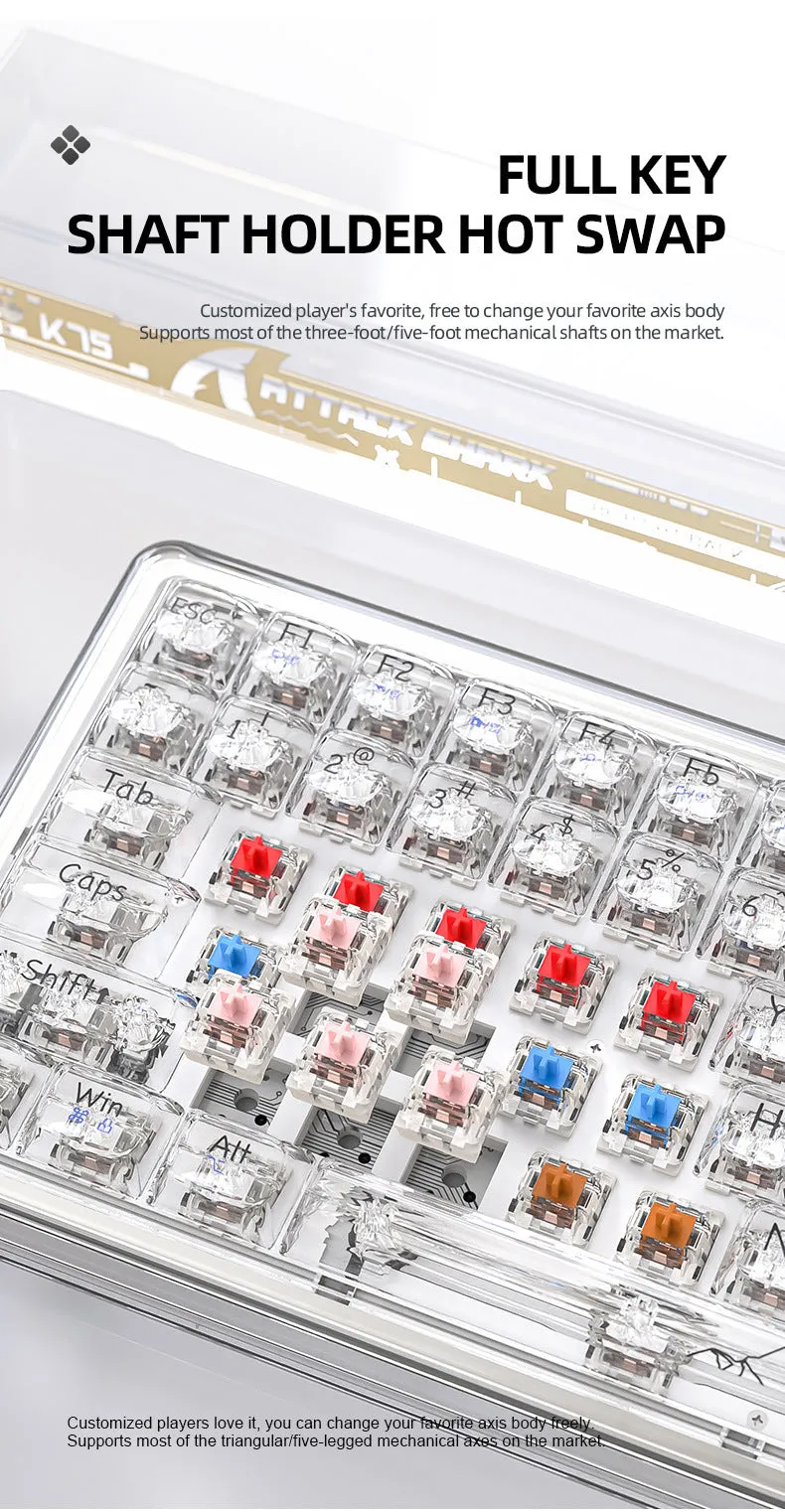
The Attack Shark K75RGB delivers a versatile typing solution for users seeking a balance of customisation, connectivity, and desk space efficiency. This keyboard features a 75% layout, omitting the numpad and some navigation keys to create a more compact footprint ideal for modern workstation setups. Its core appeal lies in the triple-connection capability, offering a stable 2.4GHz wireless link via the included USB dongle, low-latency Bluetooth 5.1 pairing, and a reliable 1.5-metre USB-C cable for a direct-wired connection. The transparent PC plastic case, available in Black or White, showcases the vibrant RGB backlighting that runs beneath the keycaps. Central to its design is the gasket-mounted hot-swap PCB, which allows you to easily change the two-pin mechanical switches using the provided keycap puller, making it a practical entry point into keyboard customisation without soldering.
Features and Construction

The K75RGB is built around a suite of user-focused features that prioritise flexibility and personalisation. Its construction combines a clear aesthetic with a mounting design aimed at improving typing feel, while the complete accessory kit ensures you have everything needed from the moment you unbox it.
Material and Build
The keyboard's chassis is moulded from transparent Polycarbonate (PC) plastic, creating a modern, see-through look that complements the RGB lighting effects. This material choice is directly tied to the product's visual design rather than an unsubstantiated claim about durability. The internal structure utilises a gasket mount system, where the printed circuit board (PCB) is suspended by silicone gaskets within the case. This mounting method is often associated with a softer, more cushioned typing feel compared to rigid tray mounts, though the specific acoustics and feel will depend on the switches installed.
Size and Practical Fit
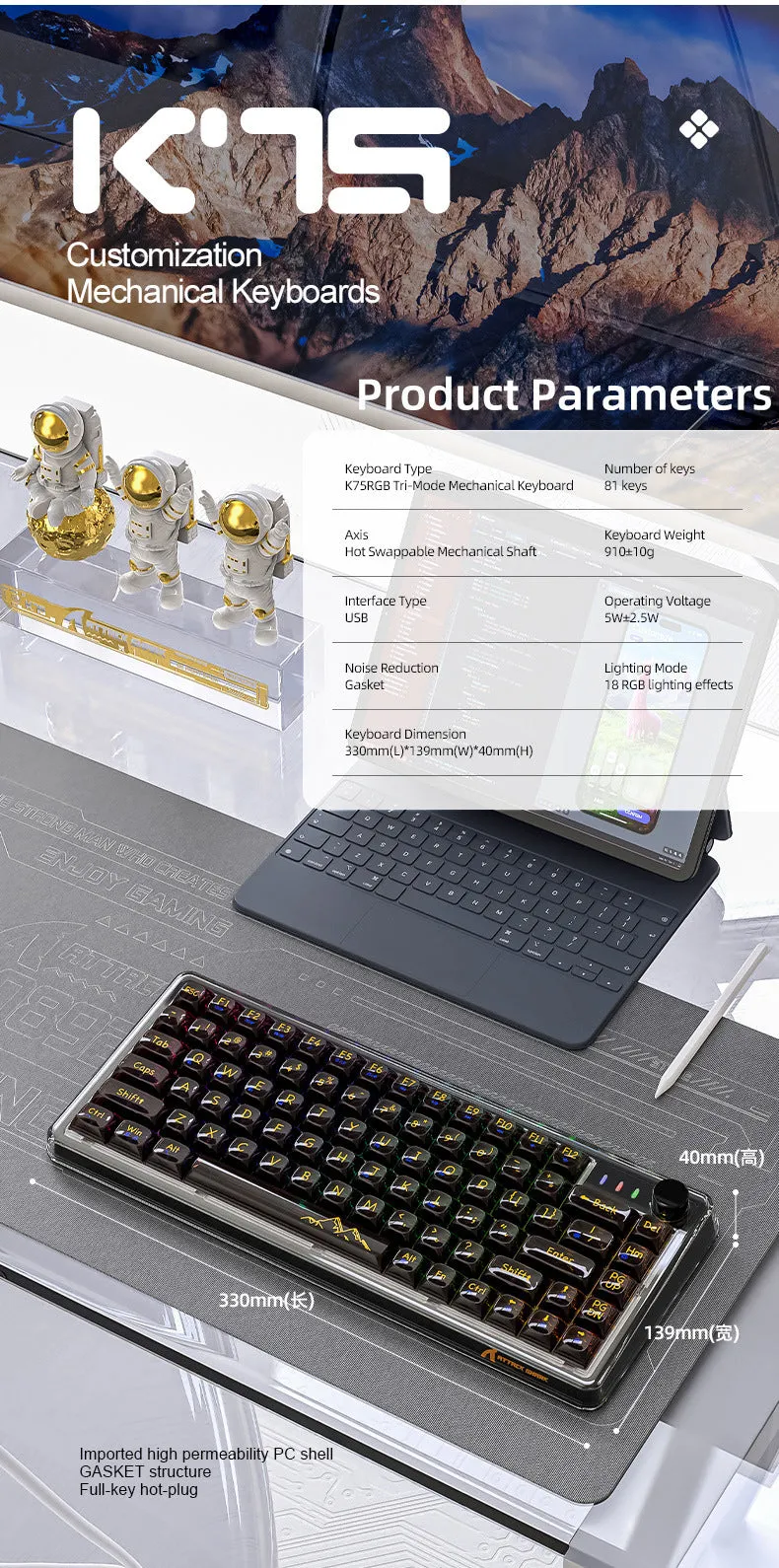
With dimensions of 32.5 centimetres in width, 13.5cm in depth, and 4cm in height, the K75RGB occupies significantly less desk real estate than a full-size keyboard. The 75% layout retains the alphanumeric cluster, function row, and essential navigation keys like arrows and Delete, but removes the numpad and less frequently used keys like Scroll Lock. This makes it a suitable choice for gamers, programmers, and general users who value a cleaner desk or need more space for mouse movement. The included 1.5-metre USB-C cable provides ample length for connecting to a desktop PC or laptop, even if the tower is placed under the desk.
Uses and Placement
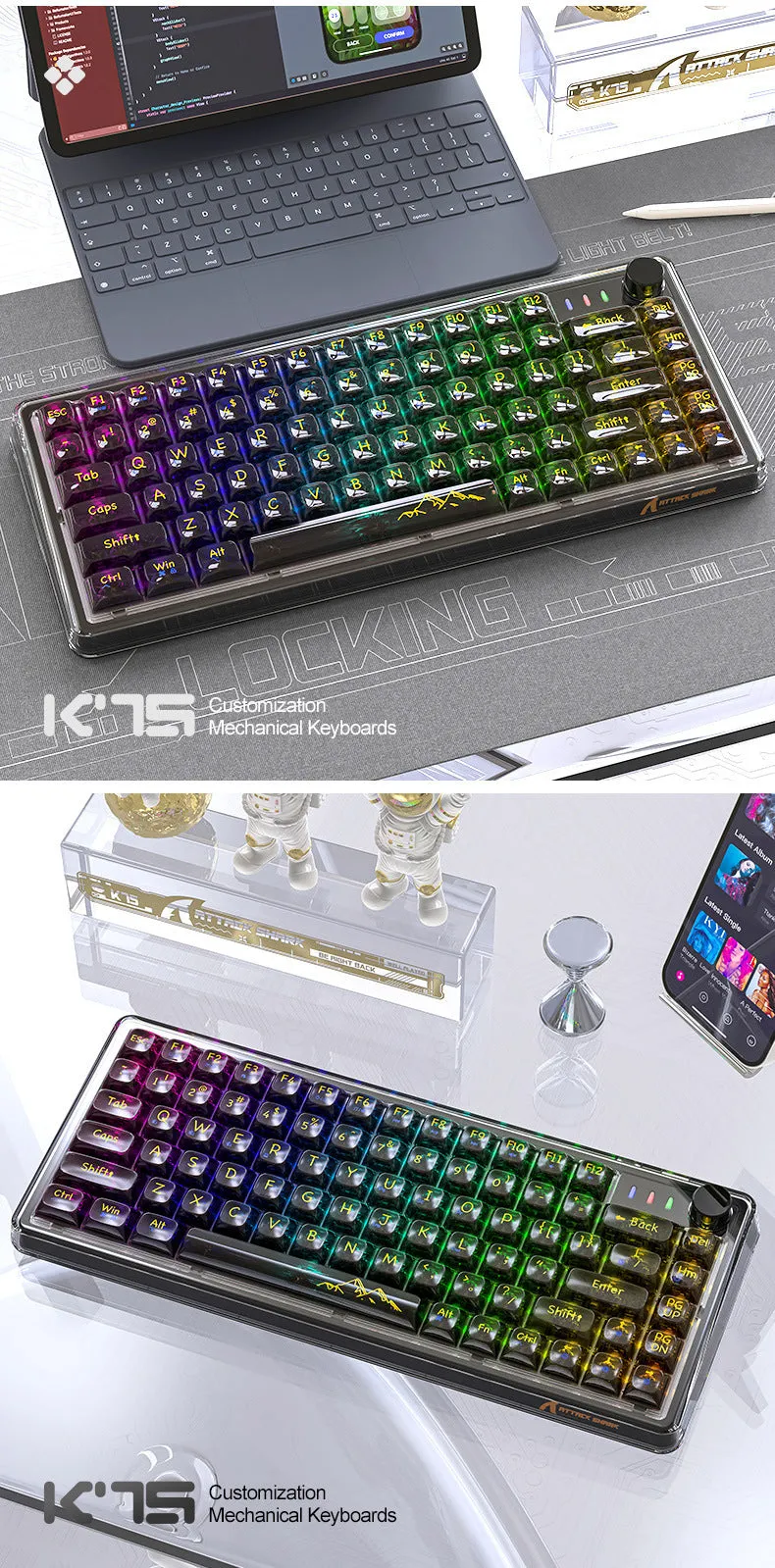
The K75RGB's combination of wireless connectivity and compact form factor opens up several practical use cases, from professional environments to casual home computing. Its design considerations support both dedicated workstation use and more flexible, multi-device setups.
Event or Professional Use
For presenters, IT technicians, or anyone who needs to connect a keyboard to different devices on the fly, the dual wireless modes are highly practical. The 2.4GHz receiver offers a plug-and-play, near-instant connection with one desktop PC, while Bluetooth 5.1 allows you to pair with up to three other devices, such as a laptop, tablet, or smartphone, and switch between them. The clean, cable-free look is advantageous for presentations or video conferences, and the dust cover helps protect the keyboard during transport in a bag, keeping switches and keycaps free from lint and dirt.
Everyday Home Use
At home, the K75RGB serves as a capable daily driver for work, study, and entertainment. The hot-swap functionality is a key benefit here, allowing users to experiment with different types of two-pin mechanical switches—such as linear, tactile, or clicky variants—to find a feel and sound profile that suits their preference without buying a whole new keyboard. The RGB backlighting is not just for aesthetics; it can improve key visibility in dimly lit rooms. The compact layout is ideal for shared family desks or smaller home offices, and the wireless operation eliminates cable clutter for a tidier workspace.
Benefits and Buying Value
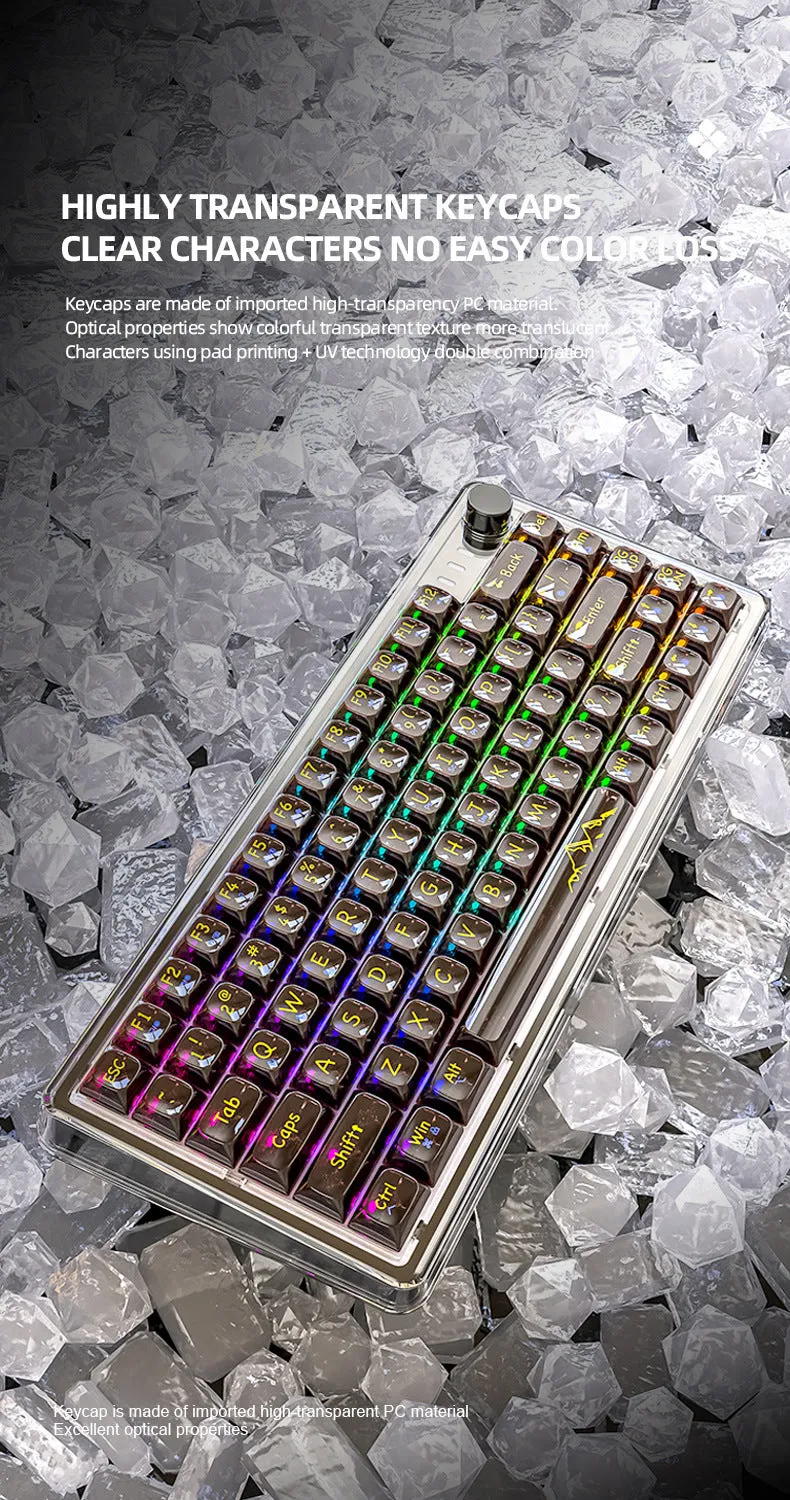
Choosing the Attack Shark K75RGB brings several concrete advantages centred on longevity, customisation, and reduced maintenance. Its value proposition is built on the ability to adapt and endure through user-led modifications and included protective accessories.
Reuse and Low Maintenance
The hot-swap design fundamentally extends the keyboard's potential lifespan. If a single switch becomes faulty or worn out over time, you can replace just that one switch instead of the entire unit. Similarly, if your typing preferences change, you can update all the switches to a new type, reusing the same case, keycaps, and PCB. This reduces electronic waste and can save money in the long term. The included dust cover is a simple yet effective tool for maintenance, shielding the keyboard from dust, pet hair, and spills when not in use, which helps keep the switches and LEDs clean and functioning correctly.
Why Choose This Product
The Attack Shark K75RGB stands out for users seeking a first step into custom mechanical keyboards without a large initial investment or need for technical skill. The inclusion of a keycap puller and two spare switches in the box means you can immediately experience the hot-swap process. The transparent PC case offers a distinct visual style that showcases the RGB lighting and internal components, a look not commonly found on basic pre-built keyboards. When compared generically to non-hot-swap keyboards, the K75RGB provides a clear, source-supported advantage in switch replaceability. Its triple-mode wireless connectivity also offers more placement and device-switching flexibility than many single-mode wireless or wired-only alternatives in its class.